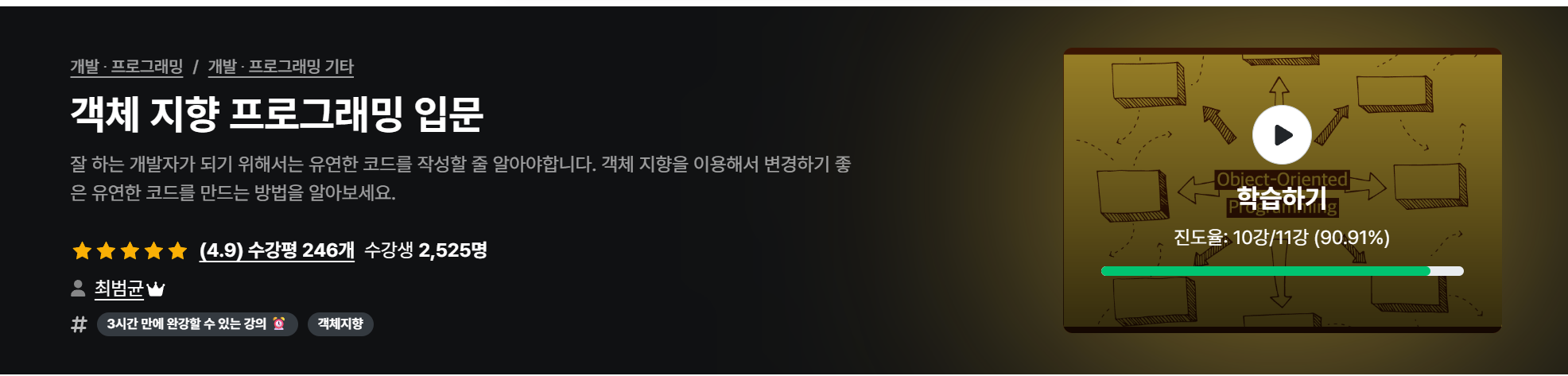
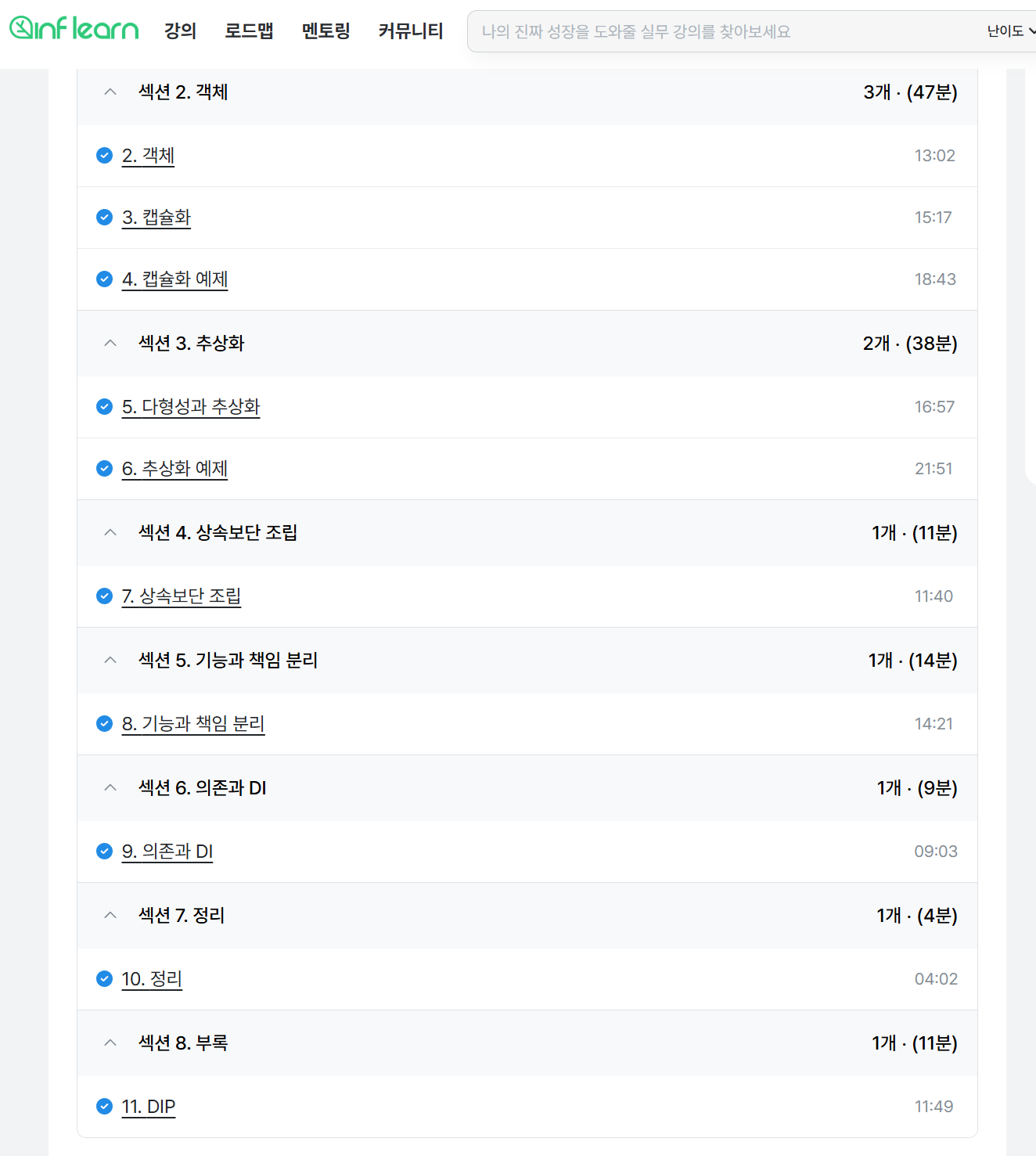
기능과 책임 분리
- 기능을 누가 제공할것인지
- 기능을 분리하고
- 각 객체에게 어떤 기능을할지 배분하는것
기능을 분리하는법
- 패턴 적용
- 전형적인 역할 분리 (AOP, GoF…)
- 계산 기능 분리
- 계산이 필요한 코드는 계산식만 따로 떼서 분리하기
- 외부 연동 분리
- rest통신같은거 url만 매개로 받아서 돌려쓸수있게 기능분리
- 조건별 분기는 추상화
- 연속적인 ifelse는 추상화하는걸 고민해보기→ 공통기능을 추상화해서 상속으로
⇒ 기능을 잘 분리하면 테스트에 용이!
의존과 DI
의존
- 기능 구현을 위해 다른 구성 요소를 사용하는것
- 의존은 변경이 전파될 가능성을 의미
의존 대상이 많을때
- 기능이 많은 경우, 기능별로 분리 고려
- 기능별로 클래스로 분리를 고려한다 (한 클래스에 여러 함수로 기능을 때려넣지말고 각 클래스로 분리)
- 묶어보기
- 여러 의존 대상을 단일 기능으로 묶어볼수 있는지 검토 (묶어서 추상화)
의존 대상 객체를 직접 생성하면?
→ 생성 클래스가 바뀌면 의존하는 코드도 바뀜
의존 대상 객체를 직접 생성하지 않는 방법
- 팩토리, 빌더
- 의존 주입 (dependency injection)
- 서비스 로케이터 (service locator)
DI (Dependency Injection)
의존 대상을 직접 생성하지 않고 외부에서 의존 객체를 생성자나 메서드를 이용해서 주입하는 방식
예시) email로 메세지를 보내는 기능에서 sms로 확장되는 경우
using System;

// ============================================
// 1. DI 사용 전 (강결합)
// ============================================

public class EmailService
{
    public void SendEmail(string message)
    {
        Console.WriteLine($"Email sent: {message}");
    }
}

public class UserService_Without_DI
{
    private EmailService emailService;

    public UserService_Without_DI()
    {
        // EmailService에 직접 의존 (강결합)
        emailService = new EmailService();
    }

    public void RegisterUser(string username)
    {
        Console.WriteLine($"User {username} registered");
        emailService.SendEmail($"Welcome {username}!");
    }
}
// ============================================
// 사용 예시
// ============================================

public class Program
{
    public static void Main()
    {
        Console.WriteLine("=== DI 사용 전 ===");

        // 1. DI 없이 사용 (EmailService에 고정됨)
        var userService1 = new UserService_Without_DI();
        userService1.RegisterUser("Alice");

        // SMS로 바꾸려면? → UserService_Without_DI 코드를 수정해야 함!
    }
}
// ============================================
// 2. DI 사용 후 (느슨한 결합)
// ============================================

// 인터페이스로 추상화
public interface INotificationService
{
    void SendNotification(string message);
}

public class EmailService_DI : INotificationService
{
    public void SendNotification(string message)
    {
        Console.WriteLine($"Email sent: {message}");
    }
}

public class SMSService : INotificationService
{
    public void SendNotification(string message)
    {
        Console.WriteLine($"SMS sent: {message}");
    }
}

public class UserService_With_DI
{
    private readonly INotificationService notificationService;

    // 생성자를 통한 의존성 주입
    public UserService_With_DI(INotificationService notificationService)
    {
        this.notificationService = notificationService;
    }

    public void RegisterUser(string username)
    {
        Console.WriteLine($"User {username} registered");
        notificationService.SendNotification($"Welcome {username}!");
    }
}
// ============================================
// 사용 예시
// ============================================

public class Program
{
    public static void Main()
    {
        // 2. DI로 사용 (런타임에 구현체 선택 가능)
        var emailService = new EmailService_DI();
        var smsService = new SMSService();

        var userService2 = new UserService_With_DI(emailService);
        userService2.RegisterUser("Bob");

        var userService3 = new UserService_With_DI(smsService);
        userService3.RegisterUser("Charlie");

        Console.WriteLine("\\n=== 테스트 용이성 ===");

        // 3. 테스트용 Mock 객체 사용
        var mockService = new MockNotificationService();
        var userService4 = new UserService_With_DI(mockService);
        userService4.RegisterUser("TestUser");
    }
}

// 테스트용 Mock 클래스
public class MockNotificationService : INotificationService
{
    public void SendNotification(string message)
    {
        Console.WriteLine($"Mock notification: {message}");
    }
}
장점
- 상위 타입을 사용할 경우 의존대상이 바뀌면 조립기 설정만 변경하면됨
- 의존하는 객체 없이 대역 객체를 사용해서 테스트 가능
DIP (Dependancy Inversion Principle)
: 의존 역전의 원칙
- 고수준 모듈은 저수준 모듈의 구현에 의존하면 안됨
- 저수준 모듈이 고수준 모듈에서 정의한 추상타입에 의존해야함
고수준 모듈, 저수준 모듈
고수준 : 기능의 정책, 기획에 가까움
저수준 : 실제 (고수준)기능이 실행될 하위 수준의 기능 구현
- 고수준 입장에서 저수준 모듈을 추상화 해야함 = 종속의 방향
'공부' 카테고리의 다른 글
| xcode에서 프로비저닝 프로필 선택이 안될때 (0) | 2025.09.10 |
|---|---|
| 1. Firebase App Distribution에서 내부 배포 시 테스터 기기 등록하기 (0) | 2025.09.10 |
| Cursor ai with figma (0) | 2025.04.20 |
| 랜덤 맵 생성] 트러블슈팅! screen 화면과 tilemap grid 화면이 맞지않음 (0) | 2025.02.20 |
| 랜덤 맵 생성] 2. 횡스크롤 수평 랜덤맵 타일맵으로 만들기 (0) | 2025.02.19 |


댓글